Home Guide Pricing Blog Support Download
πŸ‡«πŸ‡· FR πŸ‡¬πŸ‡§ EN πŸ‡ͺπŸ‡Έ ES
// IcΓ΄nes SVG inline - une par feature (aucune dΓ©pendance externe) $feat_icons = [ '1' => '', '2' => '', '3' => '', '4' => '', '5' => '', '6' => '', ]; $features = [ ['key'=>'1'], ['key'=>'2'], ['key'=>'3'], ['key'=>'4'], ['key'=>'5'], ['key'=>'6'], ]; ?>

Your conversations,
transcribed.

Listen records your meetings, interviews and ideas from iPhone or Apple Watch, and transcribes them automatically with AI.

Features
How it works
Press Start
01
Press Start

From iPhone or Apple Watch. Recording starts immediately and transcription happens in real time.

AI transcribes
02
AI transcribes

Each segment is sent to Whisper or Gladia during recording. At the end, speakers are identified.

You receive the text
03
You receive the text

The transcription is saved in your iCloud library and sent by email. Re-transcribe at any time.
Privacy

Listen stores none of your conversations.

Your recordings stay in your personal iCloud Drive, encrypted by Apple. No audio, no transcription is retained on our servers - only the AI processing step, without any storage.

πŸ”’ Exclusive storage in your iCloud Drive
🚫 Zero conversations retained server-side
πŸ”‘ Your API keys stay on your device
πŸ“§ Email sent directly to you, no copy kept
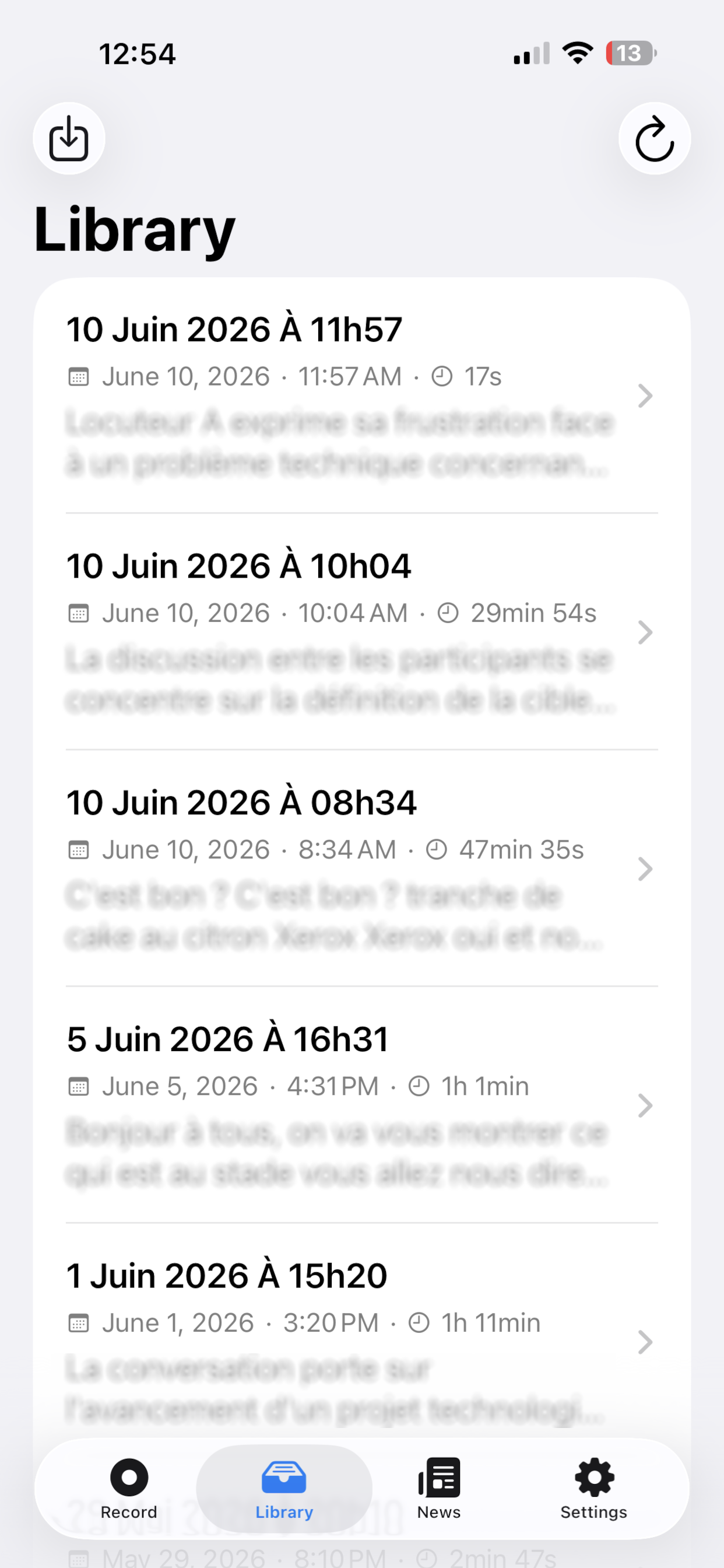
Listen - Library

Library

Listen - Recording

Recording

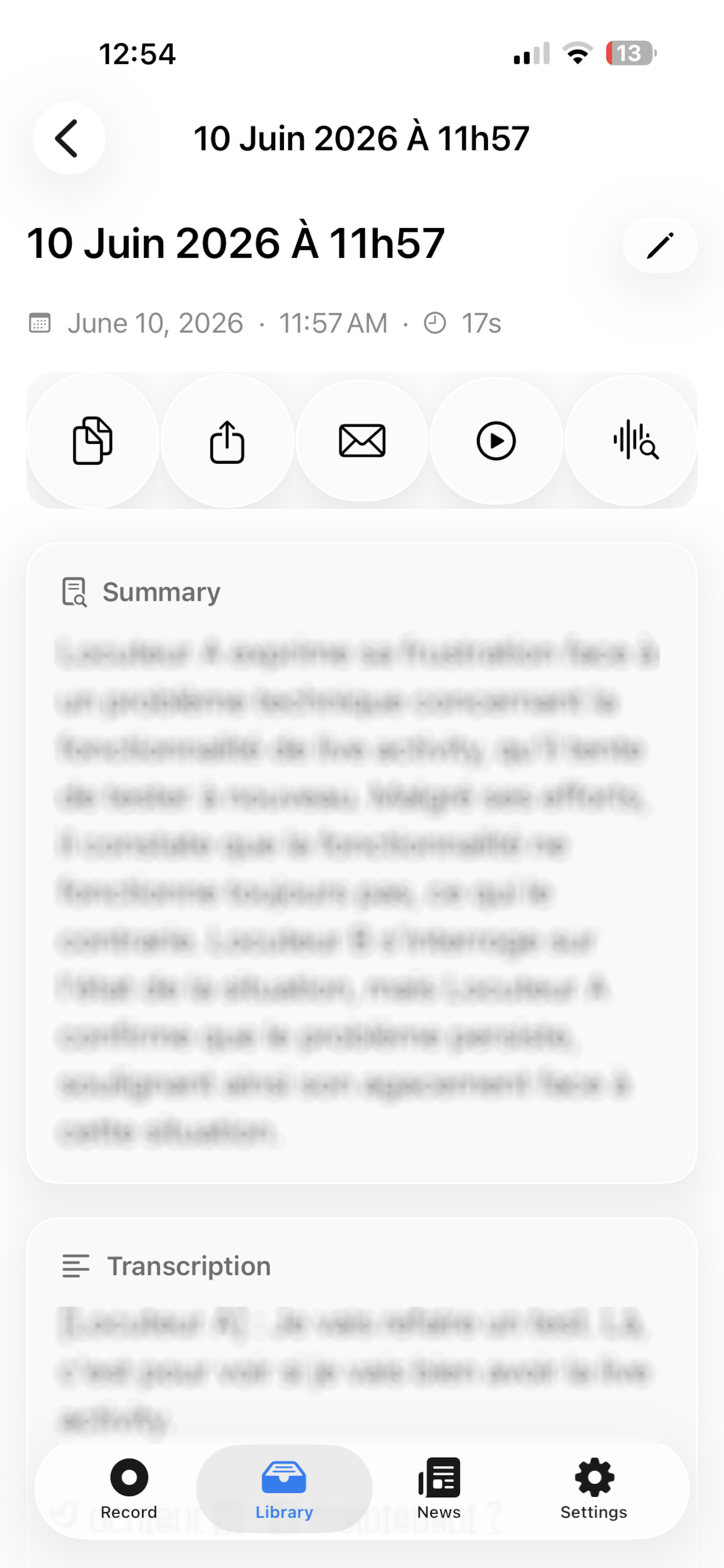
Listen - Transcription

Transcription

Listen - Settings

Settings

Ready to never miss anything?

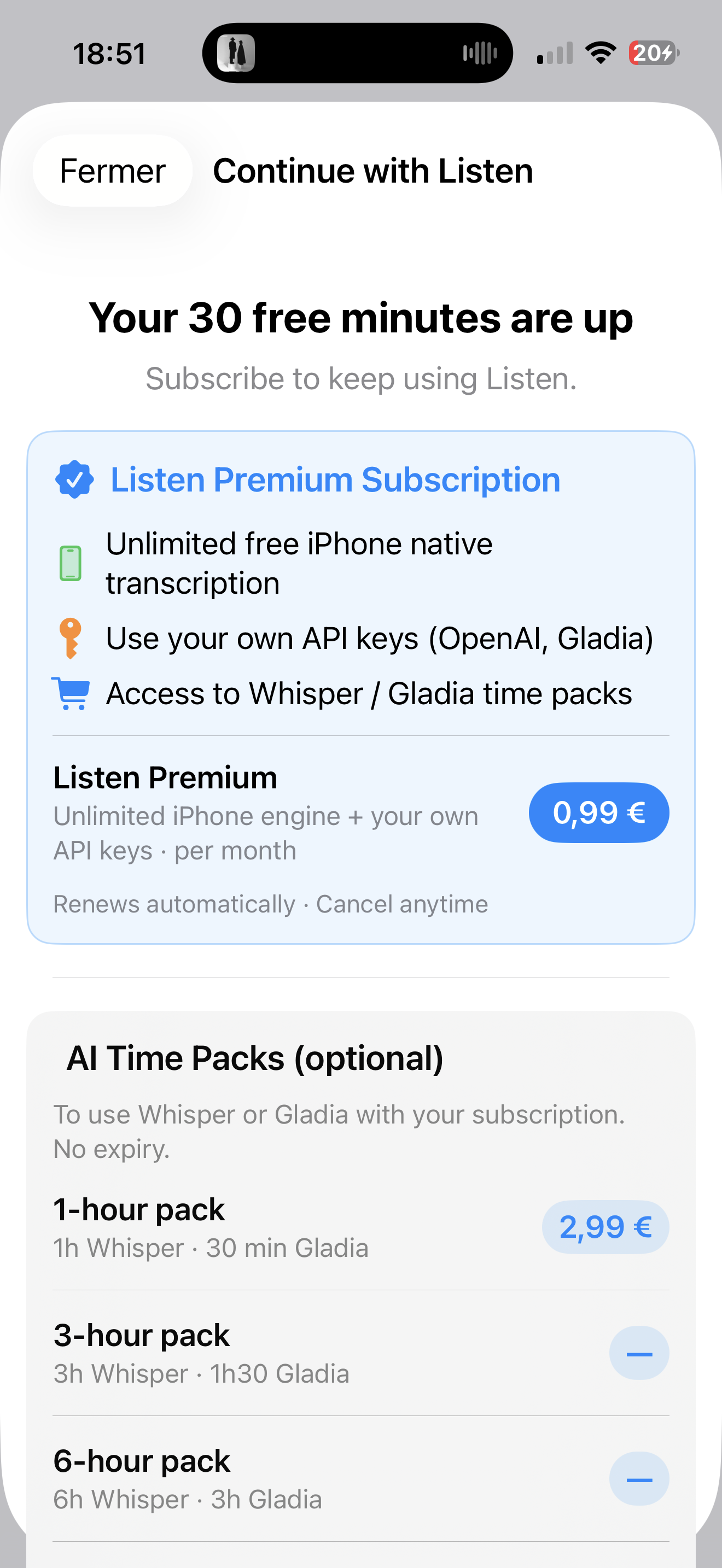
30 free minutes with our best AI engine (Gladia) on install. No credit card required.

Download